
DB Plus
A database client for macOS.
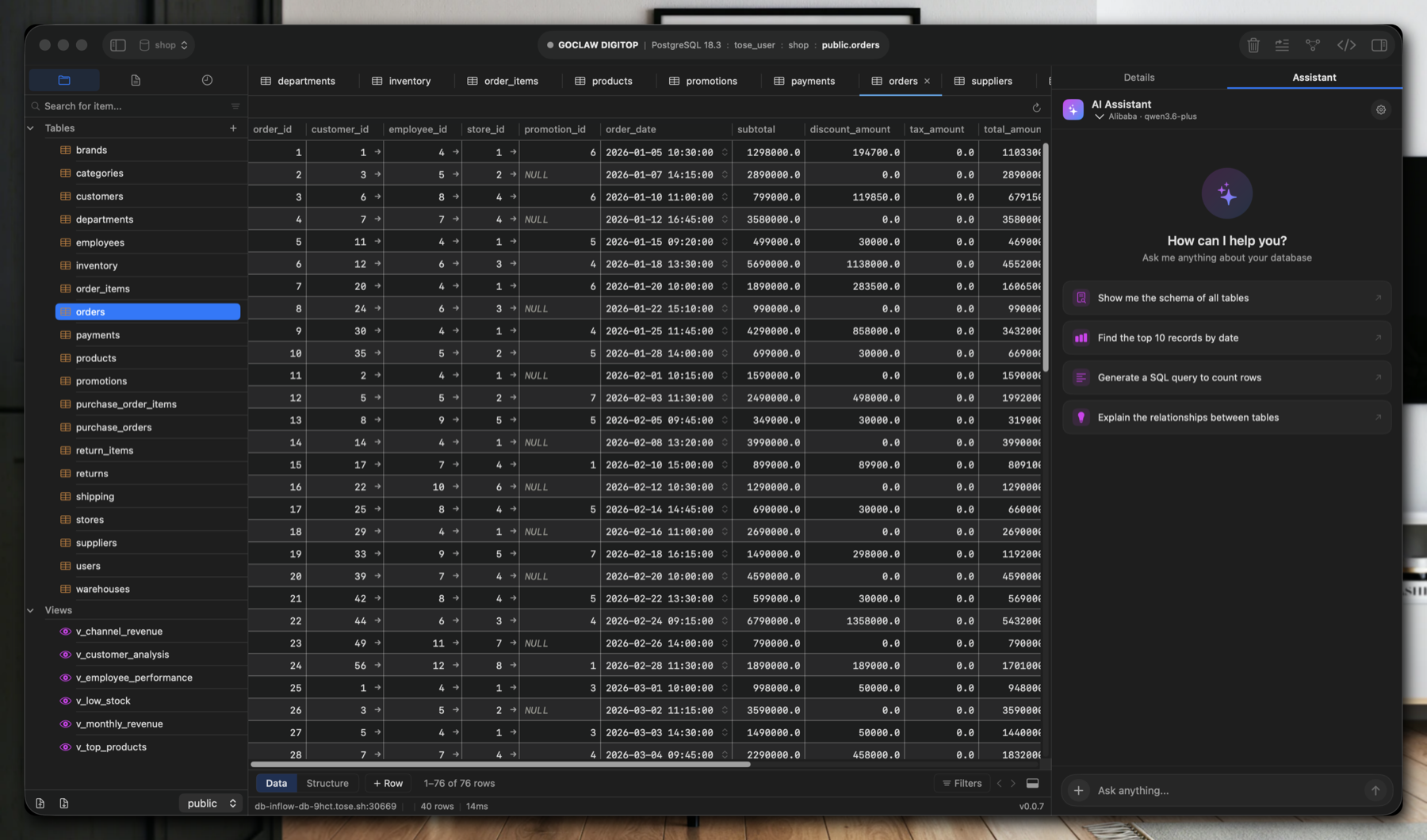
Write SQL, explore schemas, edit data and ask AI about the schema of a connection you choose. Windows and Linux versions are in development.
Features
Tools for everyday database work
01
A native macOS app
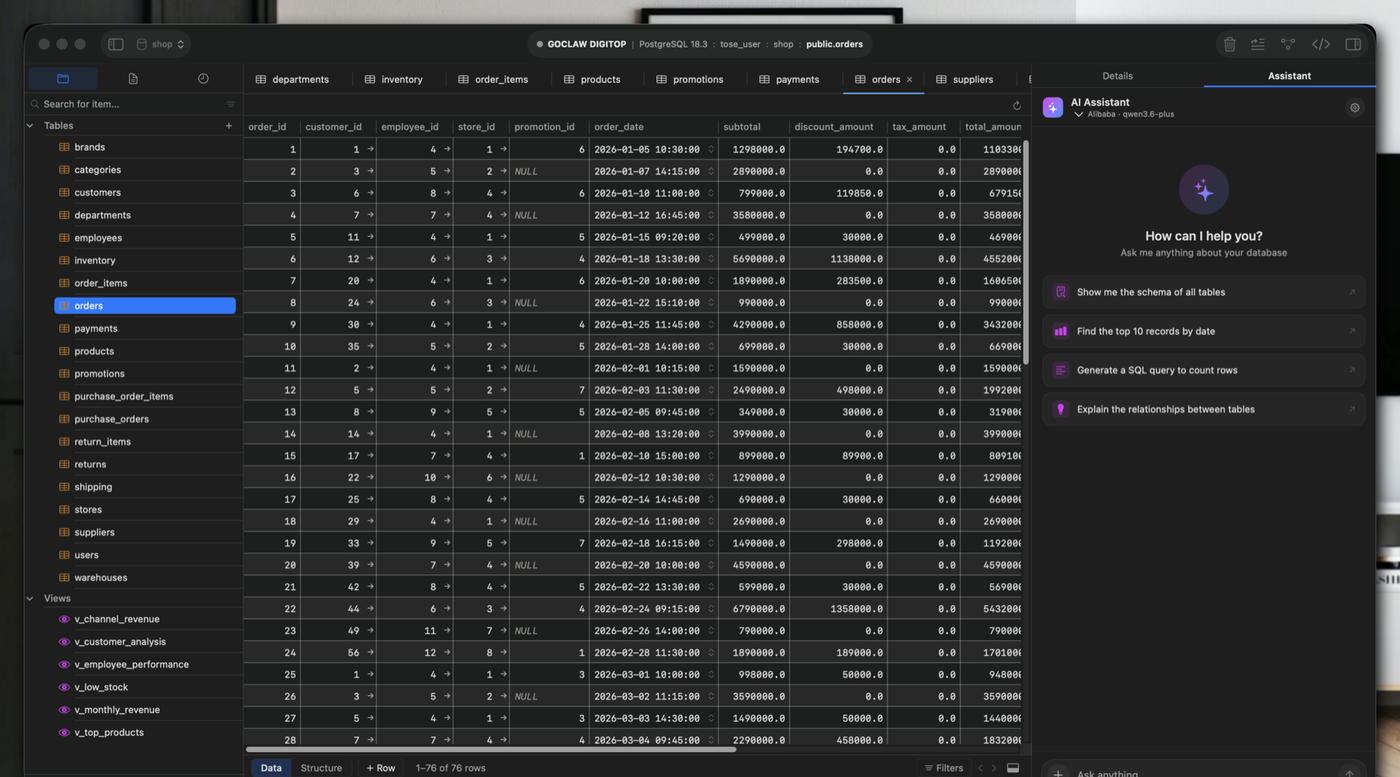
Built for macOS and available now. Windows and Linux versions are in development.
02
Write queries and edit data
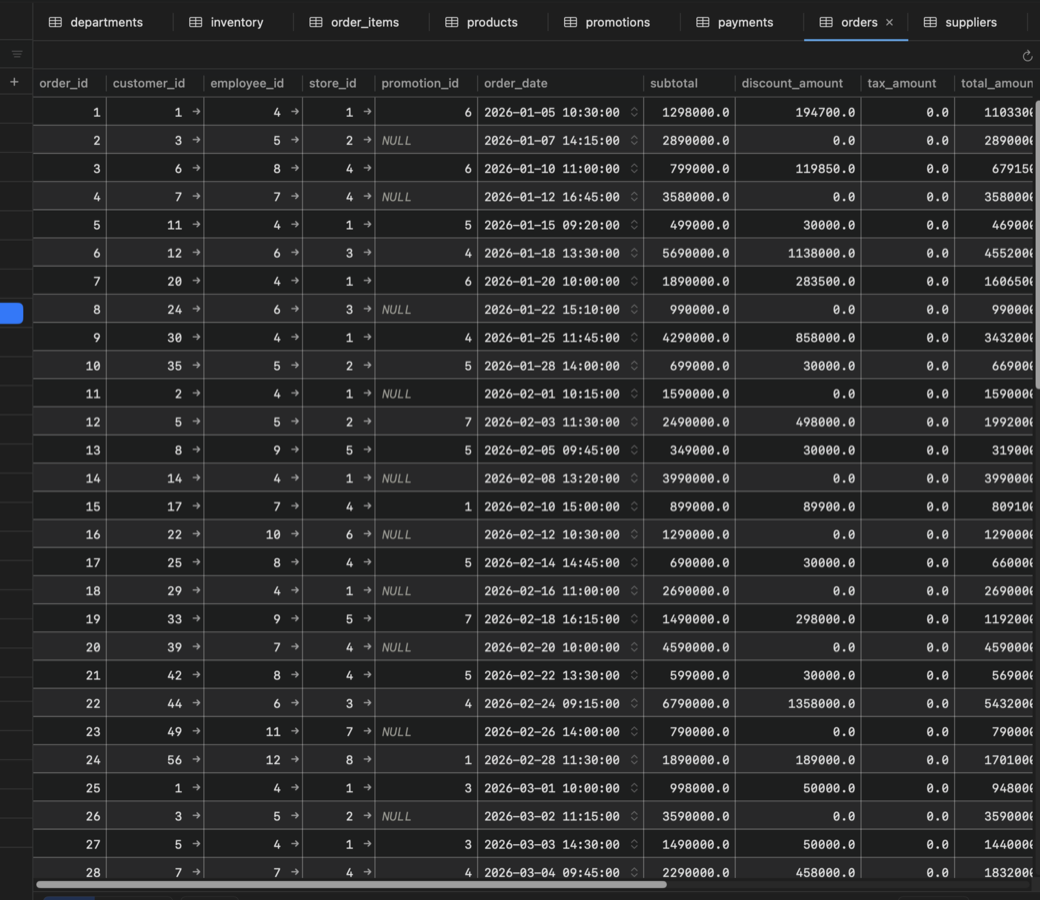
Run SQL, edit cells, filter and sort results, page through large tables, and export data. Editing cells is not yet available for add-on drivers.
03
Explore your schema
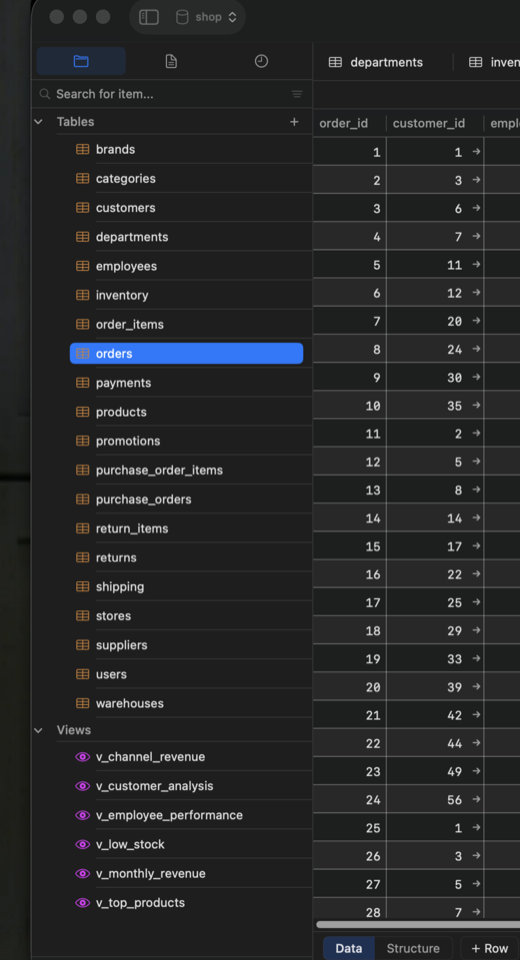
Browse tables, views, indexes, foreign keys, functions and procedures. ER diagrams show how your tables relate.
04
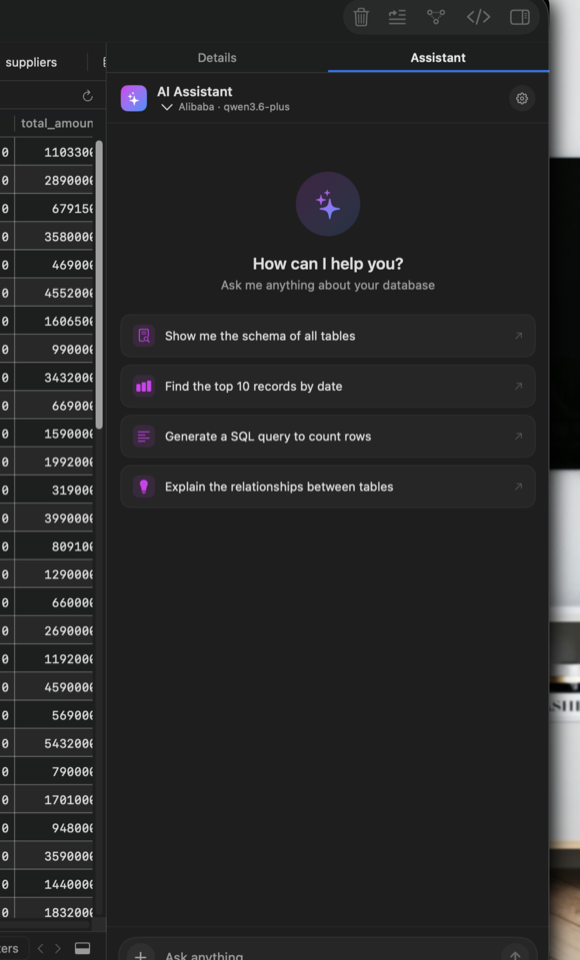
Ask AI about your schema
Ask about the schema of a selected connection using Anthropic, OpenAI, Gemini or Ollama. DB Plus sends the schema and your messages to your chosen provider. API keys stay in the system Keychain.
05
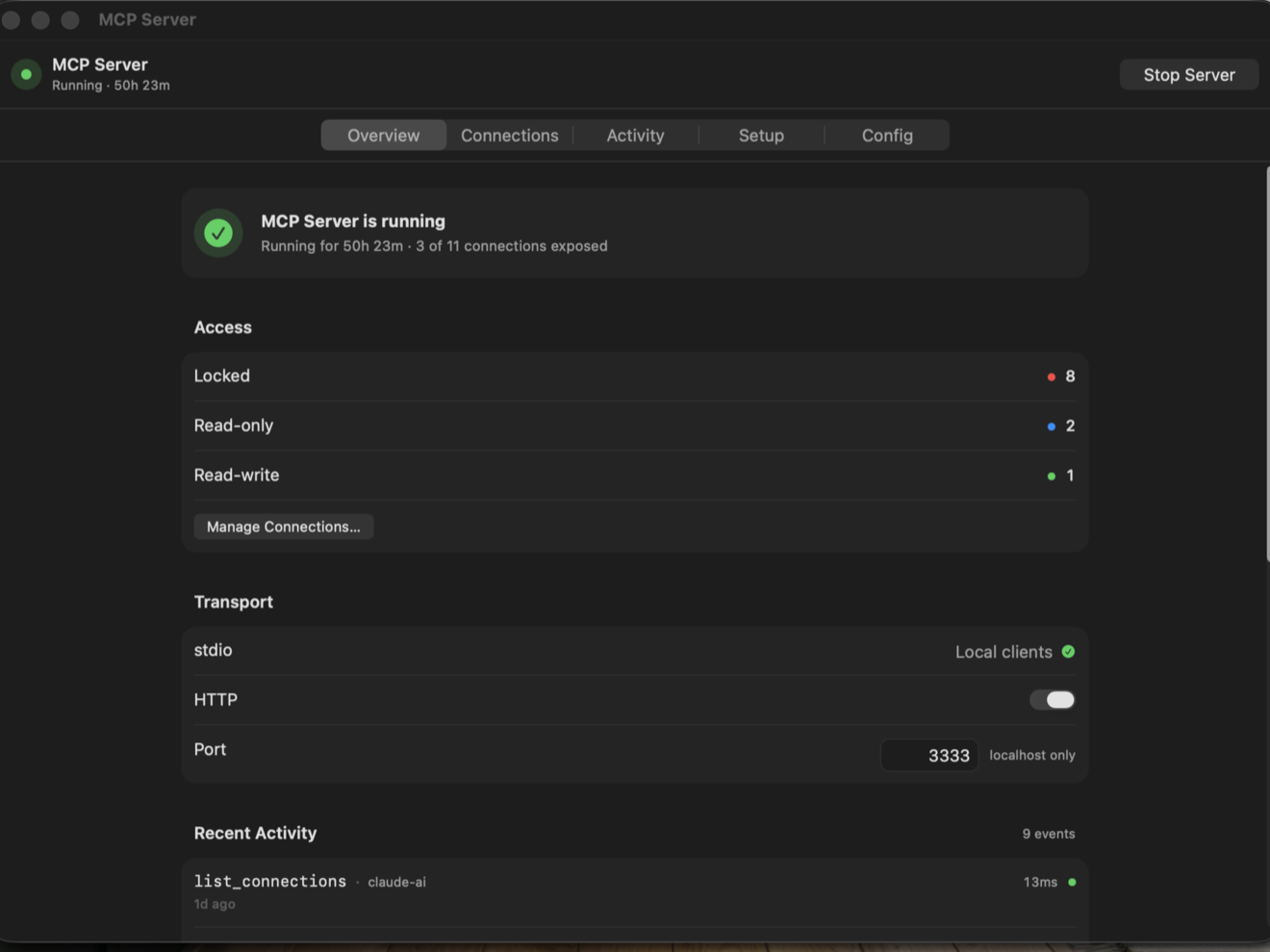
Connect AI tools with MCP
Turn on the optional MCP server to let tools such as Claude and Cursor access your databases. Choose Locked, Read-only or Read-write for each connection, and review access in the activity log.
06
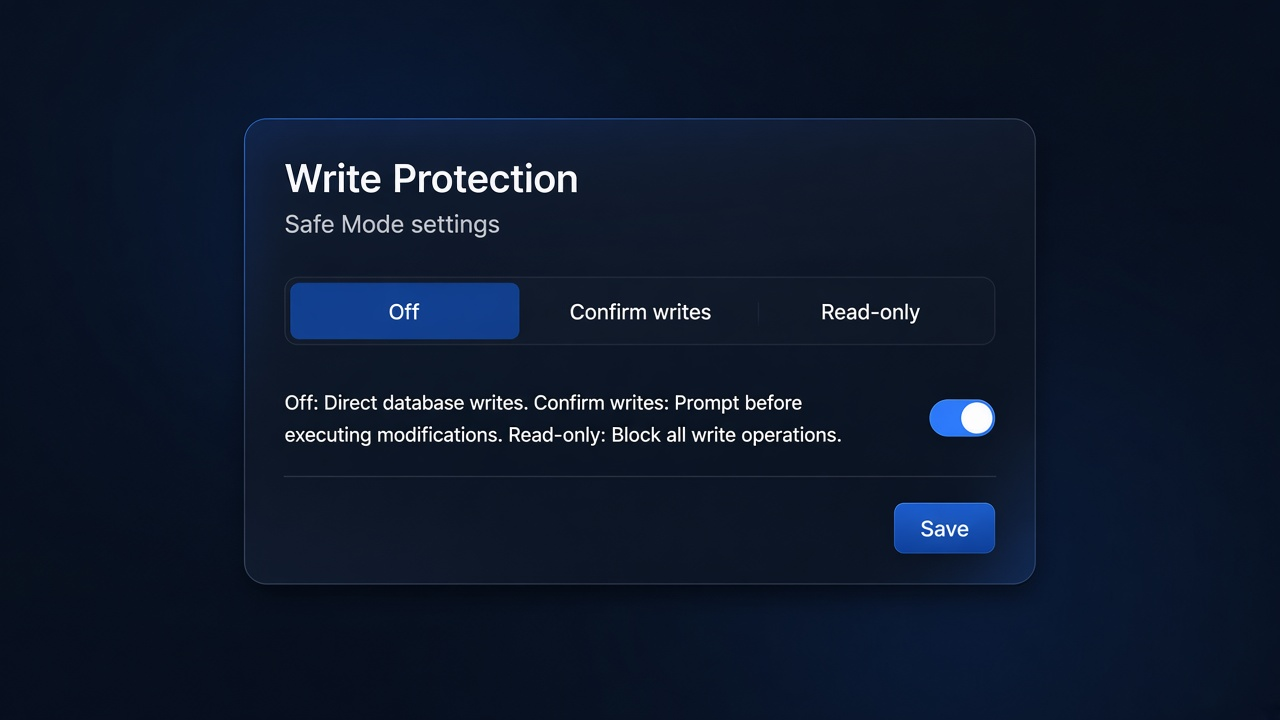
Control database writes
Set a write-protection level for each connection: allow writes, ask before risky UPDATE and DELETE statements, or block writes entirely.
07
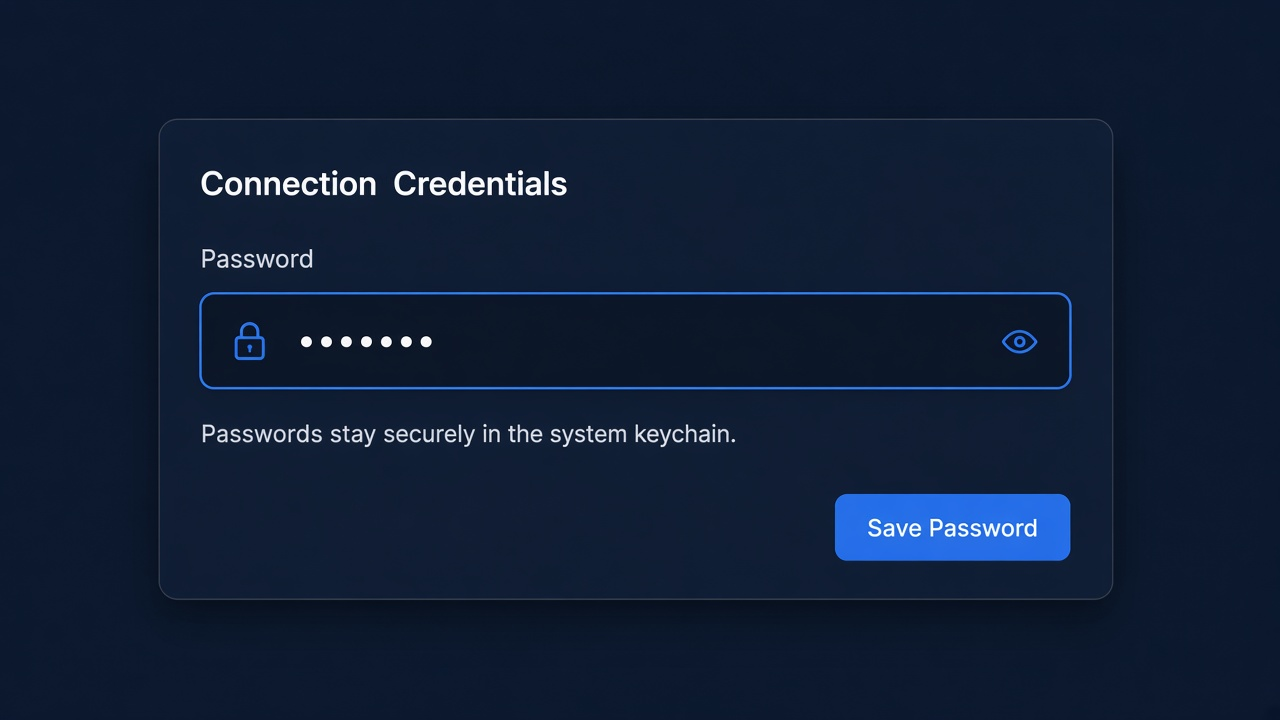
Passwords stay in Keychain
DB Plus stores database passwords in the macOS Keychain, separate from your saved connection details.
08
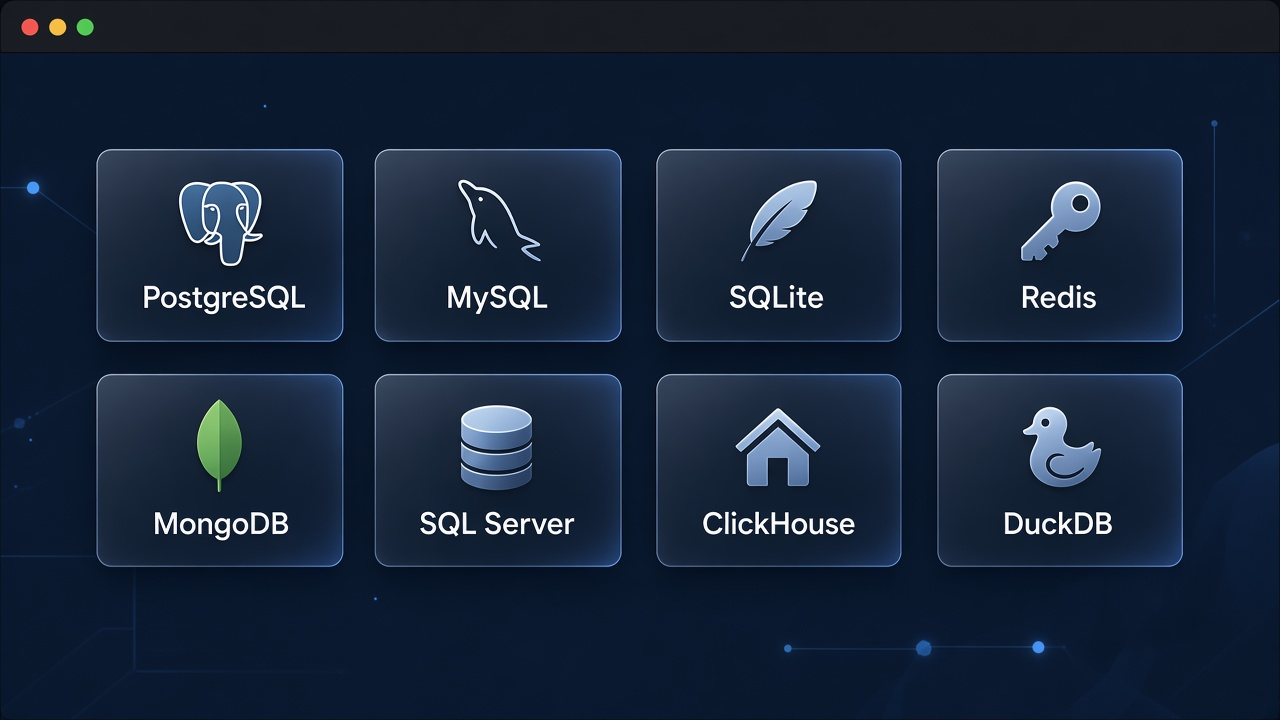
Built-in drivers and add-ons
PostgreSQL, MySQL, SQLite, Redis, MongoDB, SQL Server and ClickHouse are built in. DuckDB, Cassandra, CockroachDB and Elasticsearch are available as optional add-ons.
09
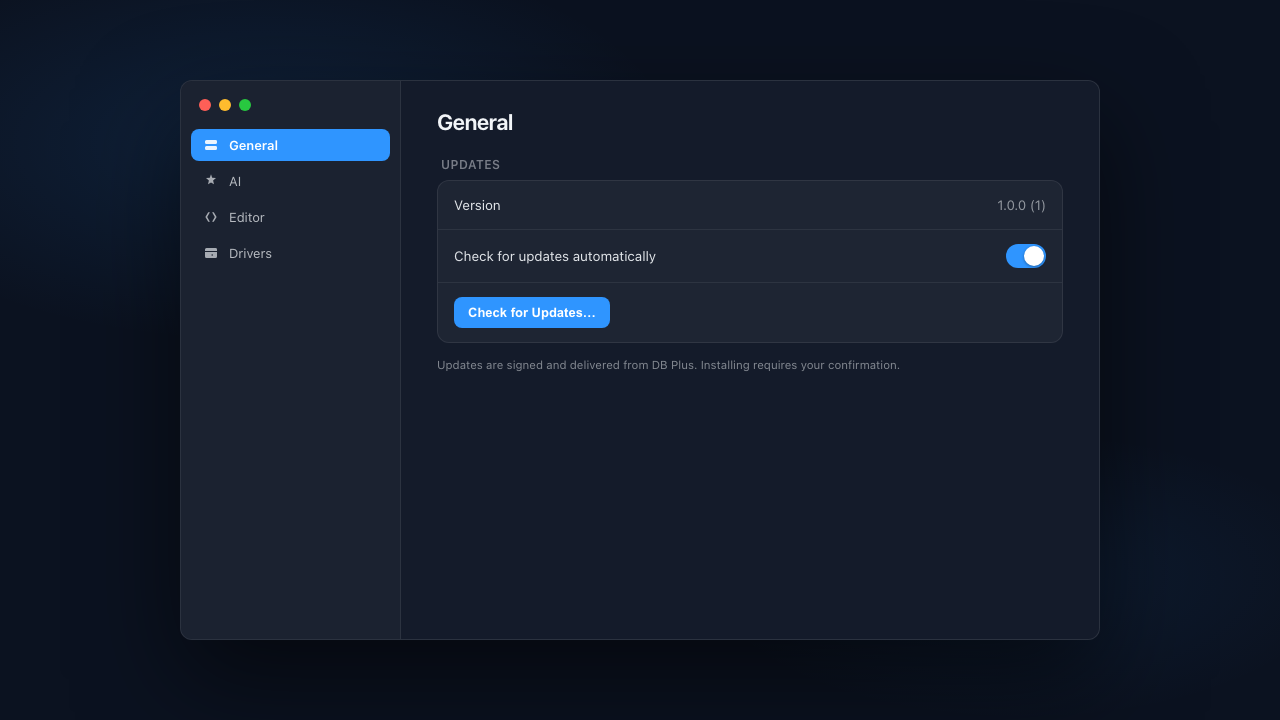
Updates on macOS
DB Plus for macOS can check for updates automatically. You can also check for an update from Settings.
Comparison
DB Plus, DBeaver and DataGrip
All three help you connect to databases and run SQL. Here is how their features compare.
Swipe sideways to see all columns
| DB Plus | DBeaver | DataGrip | |
|---|---|---|---|
| Built with | Swift on macOS; C++ on Windows and Linux. No Java installation needed | Java, on the Eclipse platform | Java (JVM), JetBrains IDE platform |
| Platforms | macOS now, Windows and Linux in development | macOS, Windows, Linux | macOS, Windows, Linux |
| Databases | 11, including PostgreSQL, MySQL, Redis, MongoDB and Elasticsearch | Broad support through database drivers | Broad support for relational databases |
| License | Apache 2.0; free to use | Free Community edition; paid editions also available | Commercial product |
| AI | Choose Anthropic, OpenAI, Gemini or Ollama and provide your own key | AI features available | AI features available |
More in DB Plus
Choose your AI provider
Ask questions about the schema using a provider you already use or a local Ollama model.
MCP server built in
Connect Claude, Cursor and other AI tools to your databases. Set access separately for each connection and review the activity log.
Write controls for each connection
Choose from six write-protection levels, including confirmation prompts and read-only access.
Import saved connections
Bring connection settings over from DBeaver, DataGrip, Navicat or TablePlus.
Database-specific tools
Browse Redis keys, edit MongoDB documents, compare and sync schemas, view ER diagrams, and back up or restore data.
SSH tunnels and encrypted exports
Connect through an SSH tunnel. Export saved connections with a passphrase when you need to move them to another machine.
Import, export and backup
Export tables as SQL or use PostgreSQL COPY. Import CSV and SQL files, and back up or restore databases.
Work with large tables
The data grid loads 300 rows at a time instead of fetching the whole table. Each tab keeps its state when you switch away.
DB Plus currently supports fewer databases, and macOS is the only available platform. If you use a Mac and want AI and MCP tools in the same app, it may be a good fit.
Product features and pricing can change. Check each vendor's website for current details.
Database support
Supported databases
* Optional drivers are distributed as sandboxed .dbplusdriver packages.
- PostgreSQL
- MySQL
- SQLite
- Redis
- MongoDB
- SQL Server
- ClickHouse
- DuckDB*
- Cassandra*
- CockroachDB*
- Elasticsearch*
Download
v1.2.0Get DB Plus
Current release is v1.2.0 for macOS (Apple Silicon). Windows and Linux builds are not available yet.
- Download DMG →
macOS
v1.2.0Apple Silicon (arm64) · macOS 14 or later · v1.2.0 DMG
- View releases →
Windows
Soonx64 · Windows 10 (1809) or later · not available yet
- View releases →
Linux
SoonAppImage · Qt 6 · in early development
If macOS blocks the app, Control-click it and choose Open. If needed, remove its quarantine flag with: xattr -dr com.apple.quarantine /Applications/DBPlus.app